
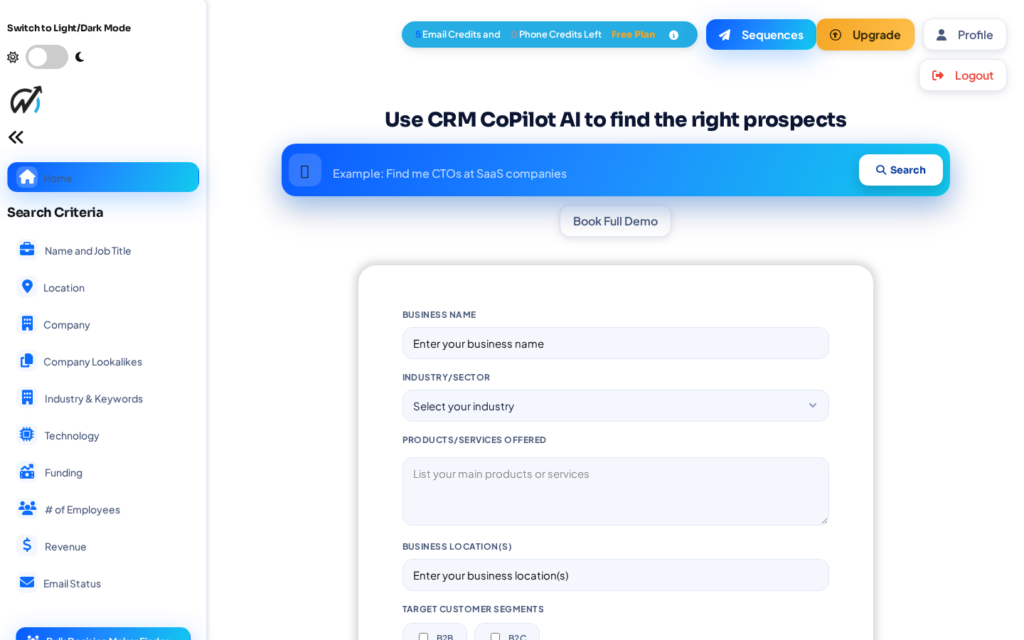
This past weekend we shipped one of the biggest updates in CRM CoPilot’s history: a new outreach engine, sharper prospect targeting, a modernized workspace, real password recovery, and a rebuilt admin console. Here’s what’s new, with a closer look at the headline features and the full list of changes.
The headliners
AI outreach sequences
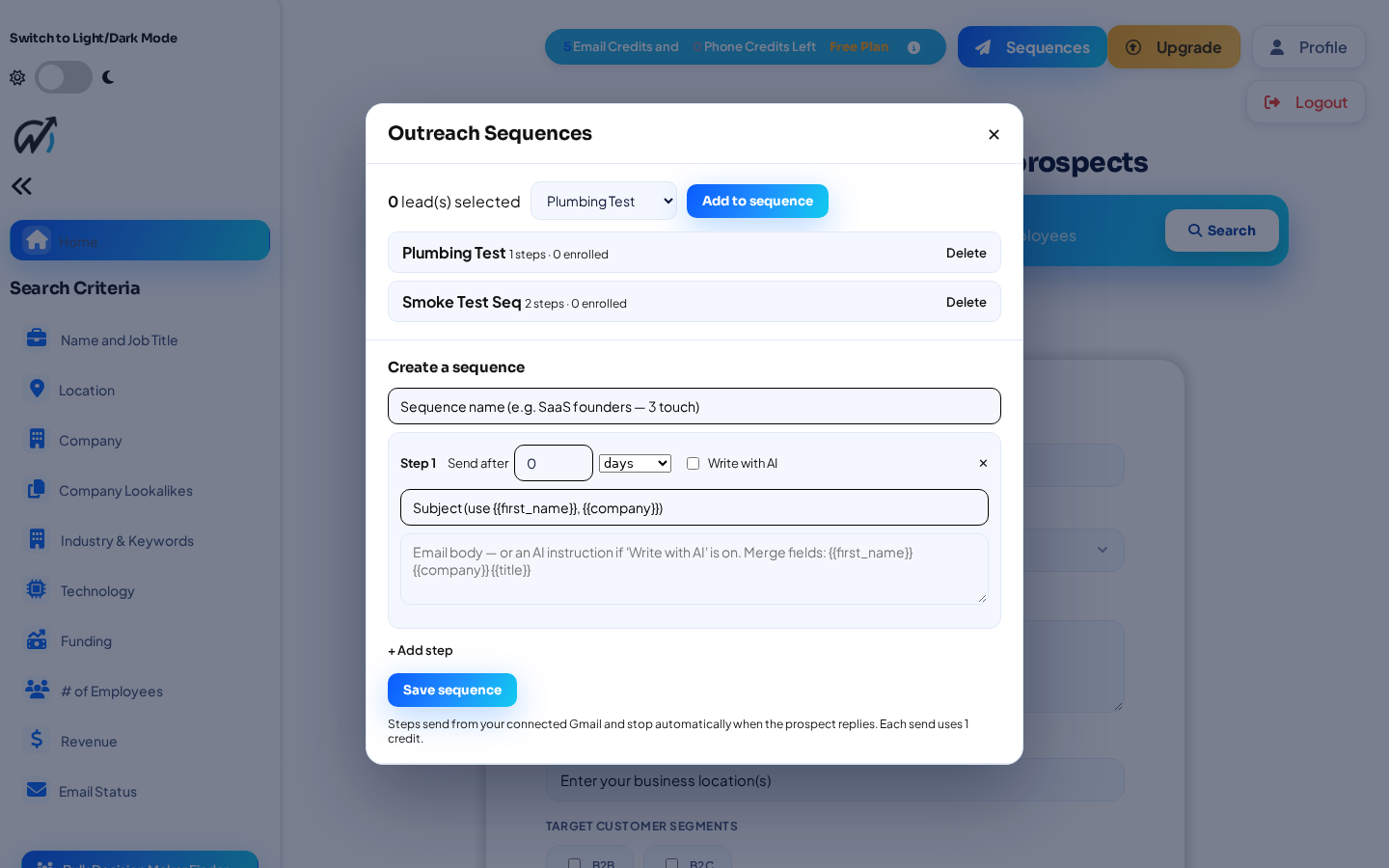
Build multi-touch email sequences that send from your connected Gmail and stop automatically the moment a prospect replies. Write each step yourself or let AI draft it from your business profile, and space steps out by days or by minutes.
How it works: select leads in your results, open Sequences, pick or build one, and enroll them. Steps send on schedule, and the whole sequence pauses the moment someone replies, so no one gets a follow-up after they’ve already answered.
Buying signals, fit scoring, and a technology filter
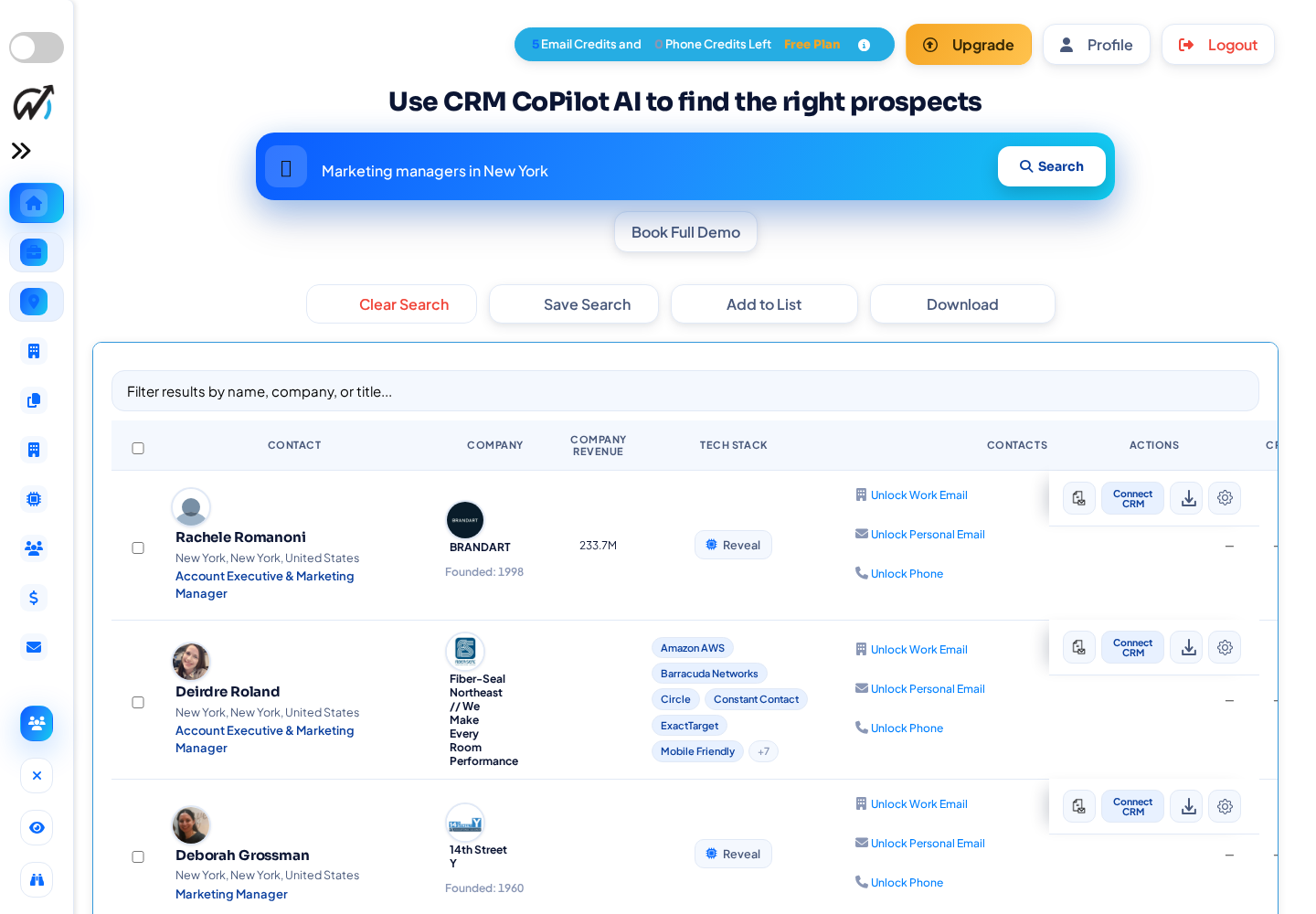
Results now flag in-market accounts by growth, funding, and new-in-role changes; rank leads by how well they fit the products and services in your profile; and let you filter by the technology a company runs, including ad tech, CRM, and ERP. A new Tech Stack column shows it at a glance.
Why it matters: instead of working a flat list, you lead with accounts already showing intent, sort by fit to what you actually sell, and rule companies in or out by the tools they run, so your first outreach lands on the best-matched prospects.
Email verification, built into Autopilot
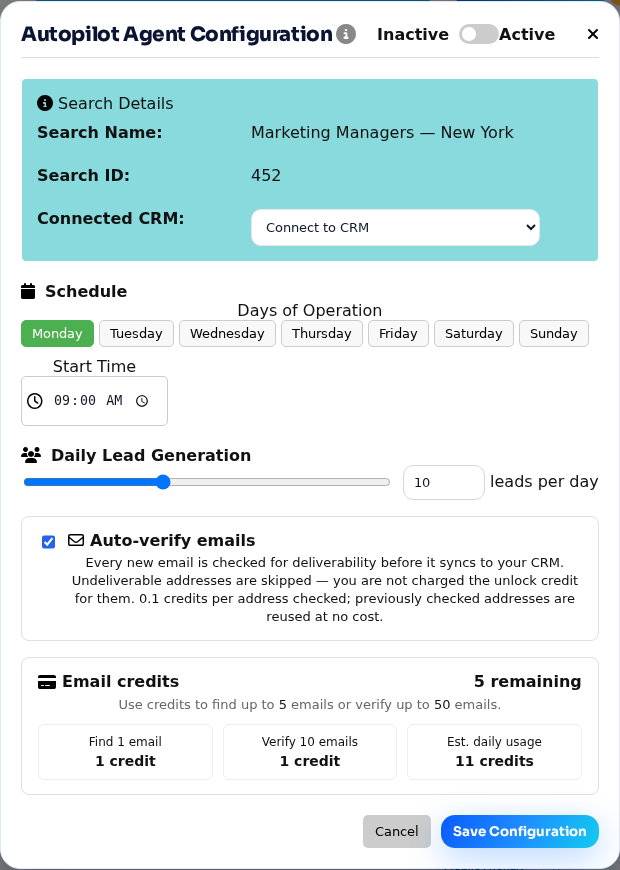
Autopilot doesn’t just find leads while you sleep, it verifies them. Every email it discovers is checked for deliverability before it syncs to your CRM, and undeliverable addresses are skipped, so you’re never charged an unlock credit for a dead inbox. It’s on by default in every Autopilot agent.
Why it matters: your CRM stays clean, your sender reputation is protected from bounces, and you only spend credits on addresses that can actually receive mail. Previously checked addresses are reused at no cost.
Real password reset and support login-as
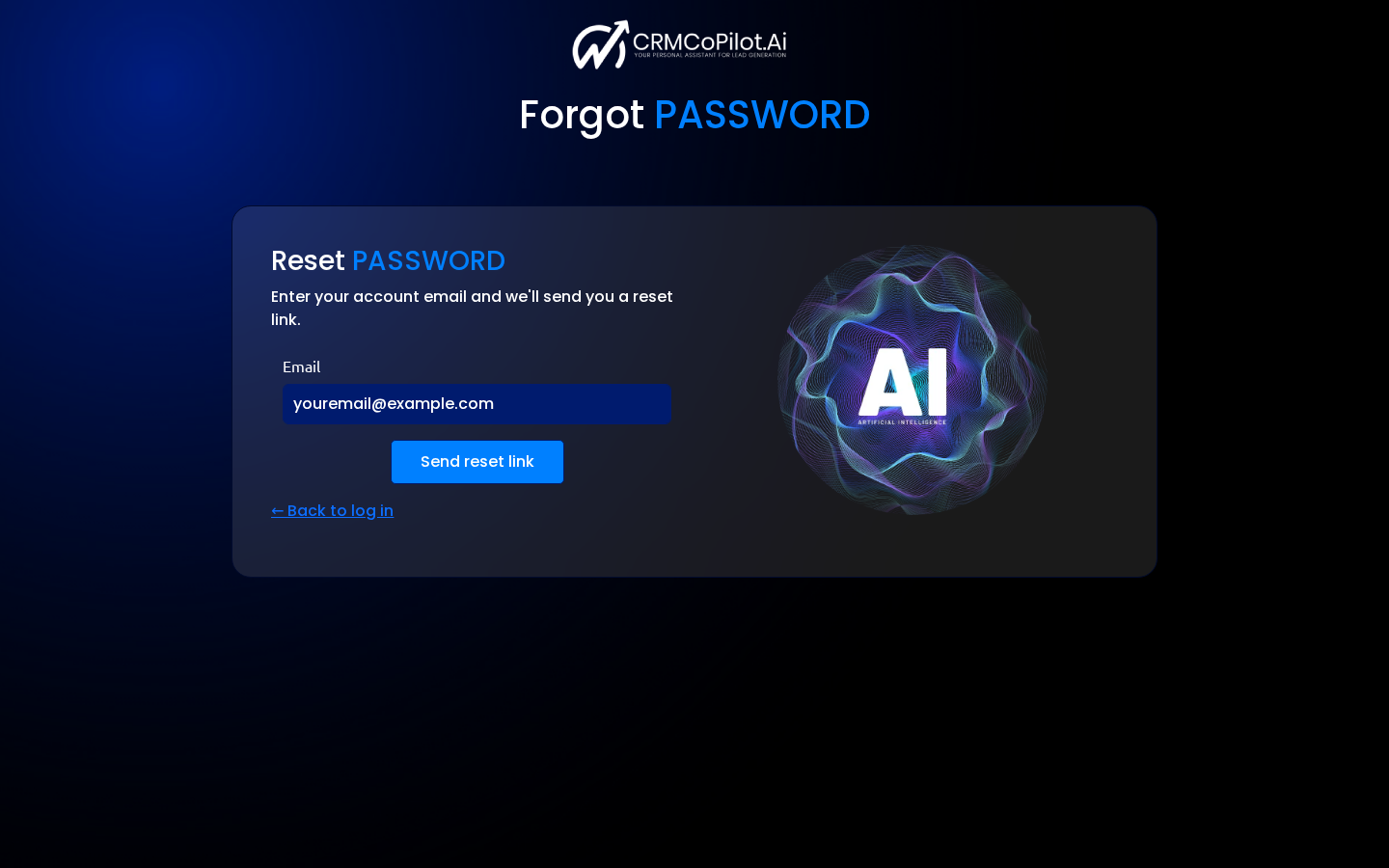
Customers can reset their own password from a “Forgot password?” link, with a single-use, one-hour reset email delivered through Resend. Admins can generate a reset link on demand and step into a customer’s session to reproduce an issue, with a clear banner and one-click return to admin.
For support: reset links are single-use and expire in an hour, and every admin reset and login-as is written to the audit log with who did it and when.
A rebuilt admin dashboard
The users dashboard gained at-a-glance KPI cards, sortable columns, and filters for status, activity, credits, and sign-up date. Admins can run bulk actions, export a filtered view to CSV, open a per-customer activity summary, and review an audit log of every privileged action.
Under the hood: the filters and export share one query, so a CSV always matches exactly what’s on screen, and moving deletes and resets to protected form submits means a stray click can’t trigger them.
One AI prospecting layer across your entire CRM stack
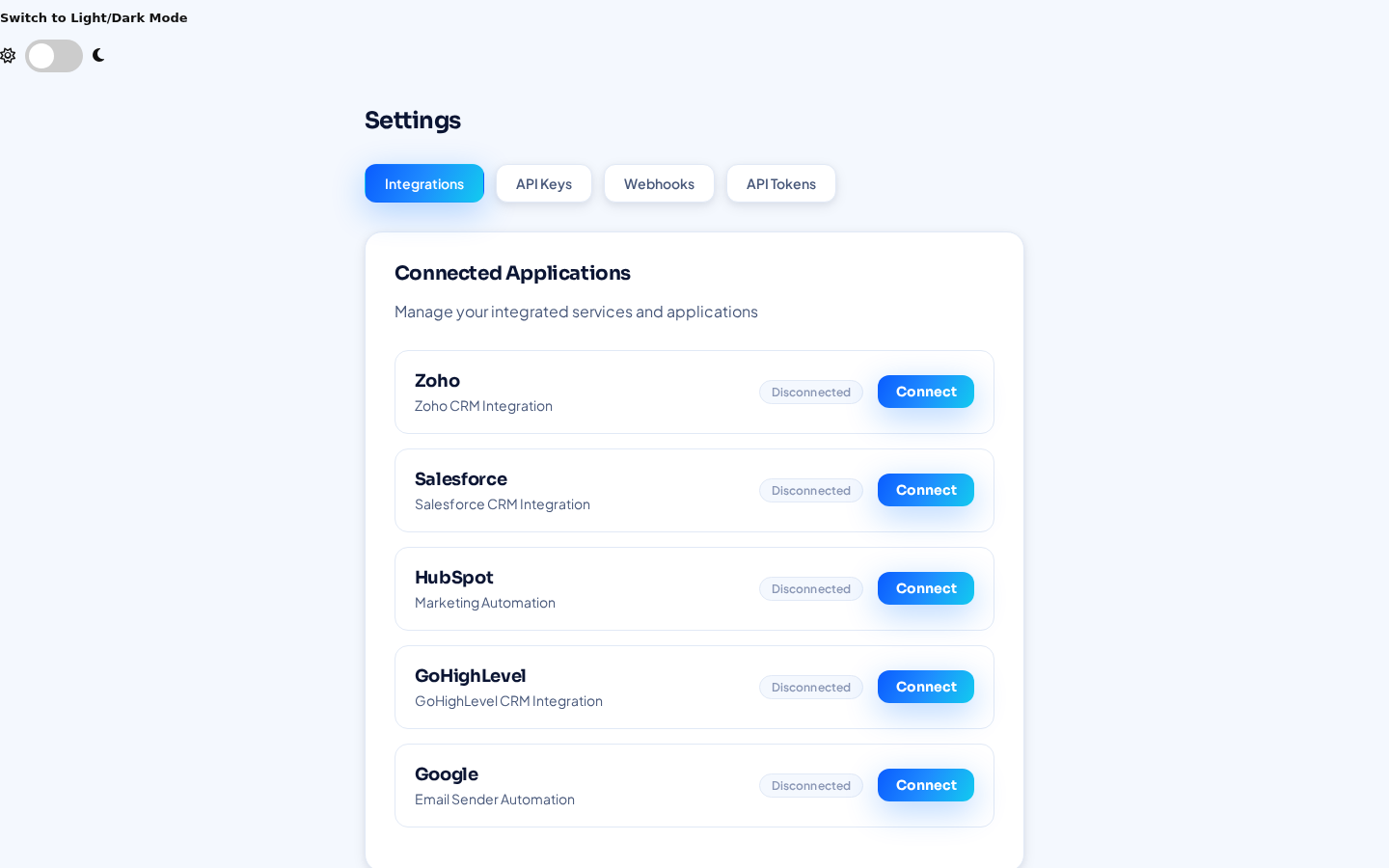
Most AI sales tools assume one thing: “connect your Salesforce.” CRM CoPilot takes a different view. Connect your whole stack. From Settings you can link Salesforce, HubSpot, Zoho, and GoHighLevel at the same time, plus Google for sending.
Plenty of companies already run more than one CRM: Salesforce for enterprise, HubSpot for marketing, Zoho for a division, GoHighLevel for an agency arm. Without a common layer, prospecting fragments. Which CRM does this prospect belong in? Does the company already exist somewhere? Is another team already pursuing them? Who owns the relationship? CRM CoPilot sits above all of them as your prospect intelligence layer, so you find the prospect once and send it to the right CRM.
What it gives you today
- Find once, send to the right CRM. Search and research in CoPilot first, then decide where the record belongs.
- No vendor lock-in. Connect your CRM stack, not one CRM, so you can change platforms later without replacing your prospecting layer.
- Made for agencies and consultants. Work from one application and route leads into each client’s CRM: HubSpot for one, Zoho for another, GoHighLevel for a third.
- Smoother mergers and acquisitions. Connect both companies’ systems instead of forcing an immediate consolidation; the underlying CRMs stay intact.
- Route to the right business unit. Enterprise into Salesforce, SMB into HubSpot, partner channel into GoHighLevel, international into Zoho.
Where we’re taking it
Next, CoPilot will check every connected CRM to flag when a relationship already exists, show where it lives and who owns it, and recommend the right destination automatically, turning multi-CRM support into intelligent lead routing. Search “ABC Manufacturing” and see it’s already a Customer in Salesforce and a Marketing Lead in HubSpot before you create another record.
Search → Enrich → Check every CRM → Identify ownership → Prevent duplicates → Recommend destination → Create record → Launch outreach.
A modern workspace, light and dark
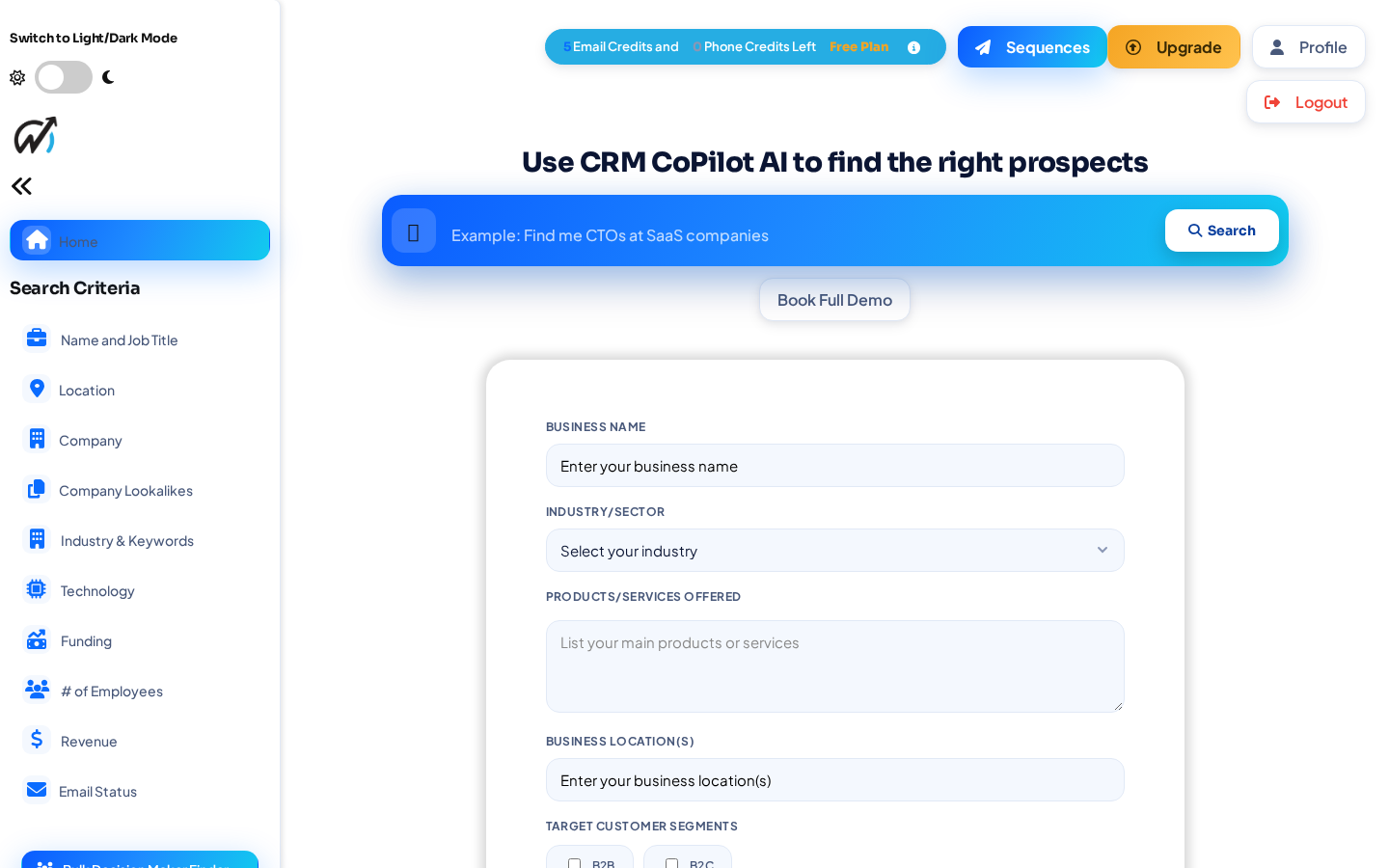
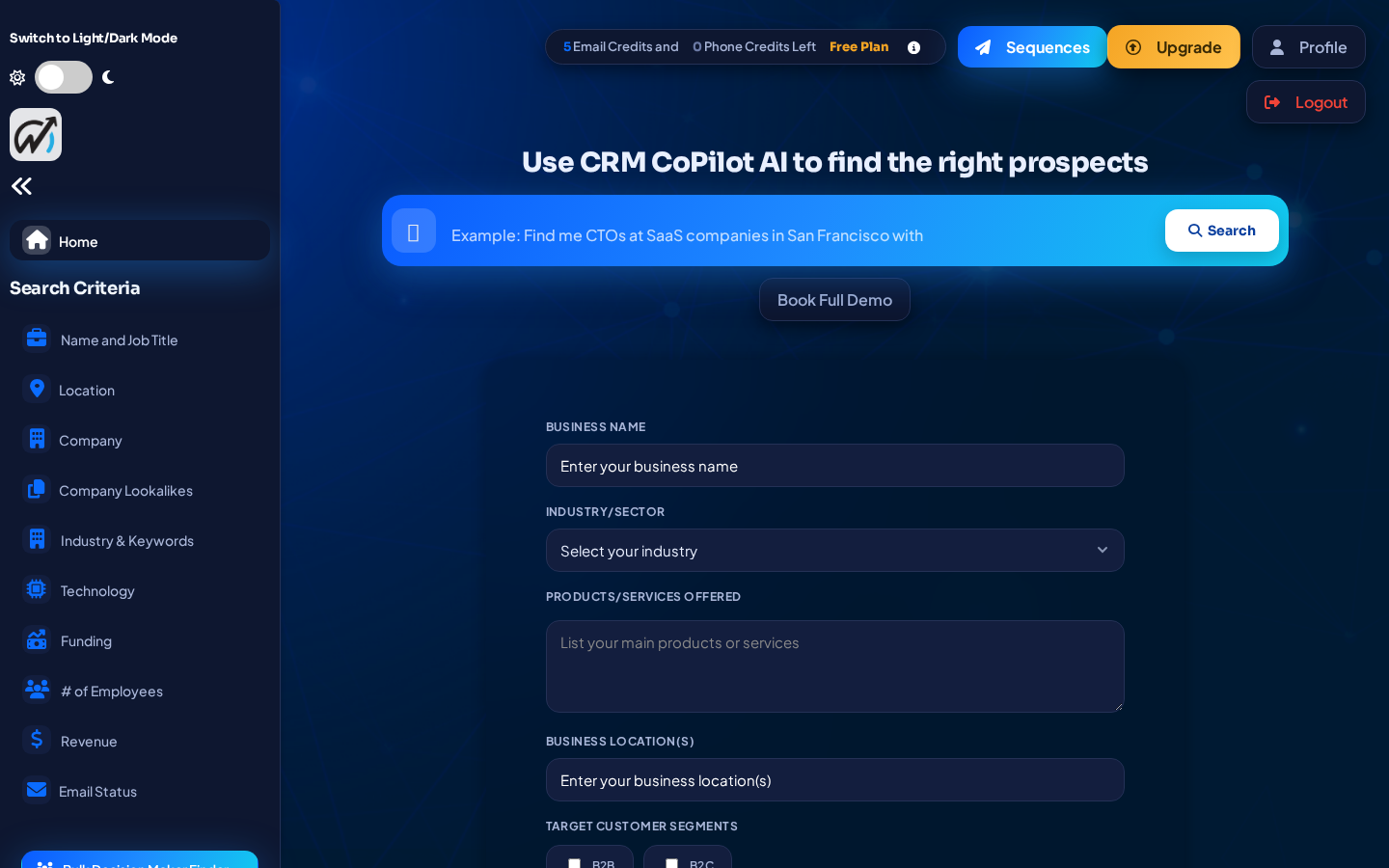
A twenty-stage reskin brought a consistent, bold visual language to the search page, forms, modals, results, and settings, with a proper dark mode throughout.
Everything that shipped
All changes that went to production over the weekend, grouped by area.
Lead intelligence & search
- AI outreach sequences with stop-on-reply and minute-precision delays
- Buying signals flag in-market accounts (growth, funding, new-in-role)
- ICP fit scoring ranks leads against your products and services
- Technology “used-by” filter and Tech Stack column, backed by real Apollo data
- Funded-companies filter and a new-in-role filter
- AI search reliably finds a person by name; zip-code search fixed
- Results surface faster with a capped status-poll backoff
Accounts, security & admin
- Self-serve and admin password reset, delivered by email
- Login-as-customer with a Return-to-admin banner
- Admin dashboard: KPI cards, sortable columns, filters, bulk actions, CSV export, per-user detail, and an audit log
- Destructive admin actions hardened from links to protected submits
- Admin link in the nav for Super Admins
Redesign & UI
- Twenty-stage modern reskin: search page, business form, modals, and results table
- Results refinements: clean rows, an icon action toolbar, and clearer badges
- CRM vendor icons on export with dark-mode fixes; merged Tags and CRM into one badge
- Settings page reskin and Decision Maker Finder rebrand
- Connect CRM routes to Settings when no CRM is connected yet
- Always-visible Sequences launcher; improved mobile layout
Auto Pilot, reliability & hygiene
- Auto Pilot email verification on by default, verified at unlock time
- Refund export credits when an autopilot run fails before delivering
- Fixed the manual autopilot triggers and a CRM-tags crash
- Fixed an admin-dashboard crash from a legacy schema mismatch (string date columns)
- Accessibility fixes and frontend cleanup (removed ~154 KB of dead files)
- Launched the release blog and published this post through the WordPress REST API
Questions or feedback? Reply below or reach out to the team.