
Integrations / Pipedrive
CRMCoPilot for Pipedrive
Keep your Pipedrive pipeline stocked with prospects that match your ideal customer — verified, de-duplicated and assigned before they arrive.
Native integration · OAuth · Free plan with 5 verified leads a week
What gets sent
A new record in your Pipedrive account
Each lead you export or Autopilot delivers includes:
- First and last name
- Job title
- Company name and website domain
- Location (city, region, country)
- Verified work email
- Phone number, if you unlocked one
Before anything is sent
- Email verificationUndeliverable emails are skipped, and you aren't charged to unlock them.
- Duplicate checkCRMCoPilot looks for an existing record by email and company domain.
- Owner assignmentNew records go to a fixed owner or round-robin across your users.
What you configure
Set up in a few minutes
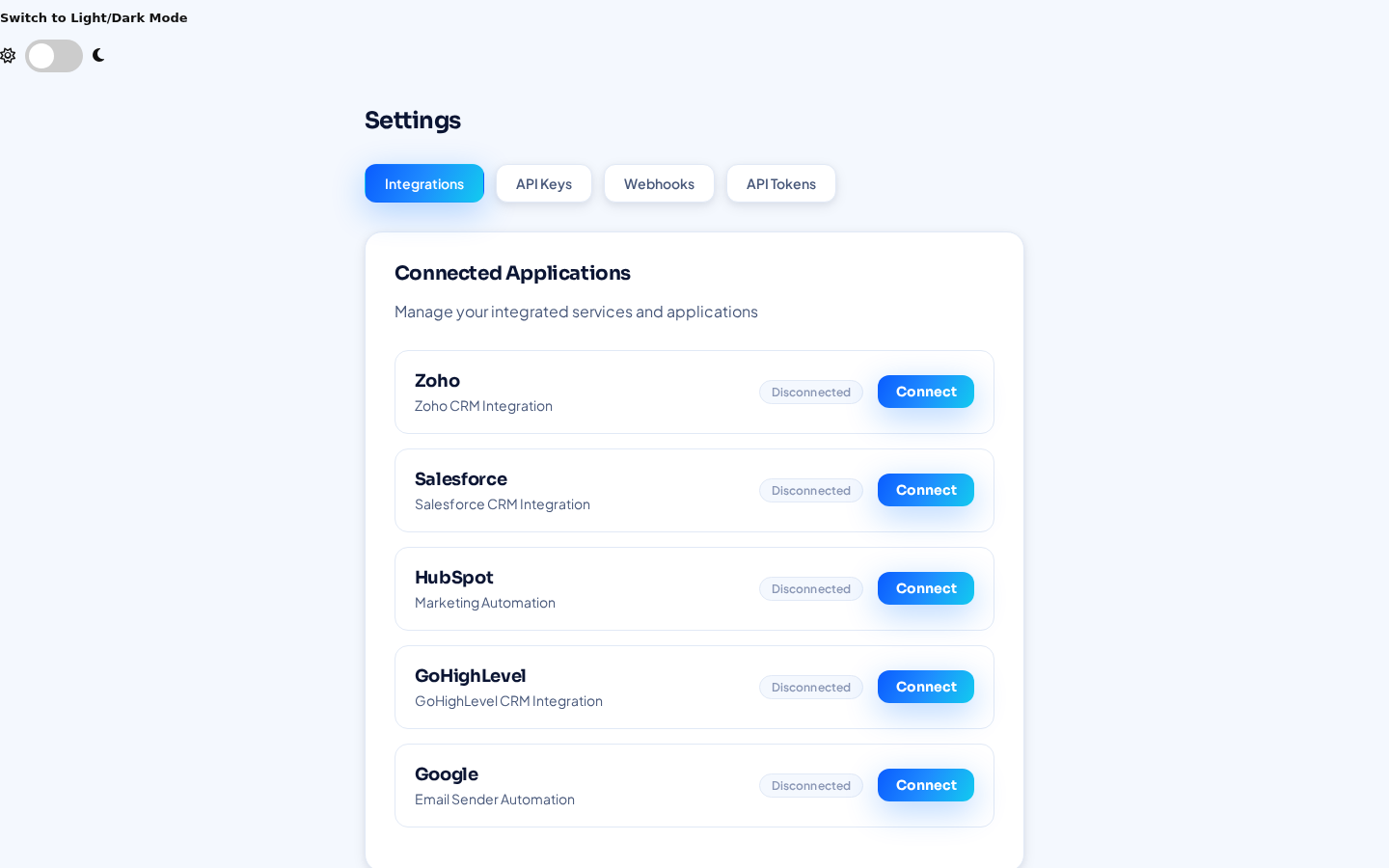
- Connect PipedriveIn CRMCoPilot, open Settings → Integrations, click Connect next to Pipedrive and approve access.
- Send leadsSelect leads in your results and export them, or create an Autopilot agent with Pipedrive as its Connected CRM.
- Set the schedule (Autopilot, paid plans)Pick days of operation, a start time and leads per day. Auto-verify is on by default. Autopilot is included in paid plans.
What to expect
Once it's running
- New records in PipedriveCreated with the fields listed above and assigned to the owner you chose.
- A steady flow of prospectsAutopilot delivers the number of leads per day you set.
- Your process stays in PipedriveDeals, activities and pipeline stages remain fully under your team's control.
- Reads back for Event IntelligenceThe Event Intelligence agent reads data back from Pipedrive to work on the records already there.
Not available yet
What this integration doesn't do today
- Report which leads became customers or closed deals. CRMCoPilot reads CRM data back today only for the Event Intelligence agent.
- Check other connected CRMs for an existing relationship before creating a record (planned).
Pipedrive questions
Do I need Zapier or Make?
No. Pipedrive connects natively from Settings → Integrations.
Will it create duplicates?
CRMCoPilot checks for an existing record by email and company domain before exporting.
Can I use Pipedrive alongside another CRM?
Yes. You can connect several CRMs at once and pick the destination per search or Autopilot agent.
Send your first verified leads to Pipedrive
Create a free account, connect Pipedrive and run your first search.