
Integrations / GoHighLevel
CRMCoPilot for GoHighLevel
Send verified prospects straight into GoHighLevel — one location or many. Agencies can give every client its own search, schedule and destination from a single CRMCoPilot account.
Native integration · OAuth · Free plan with 5 verified leads a week
What gets sent
A new contact in the location you choose
Each lead you export or Autopilot delivers includes:
- First and last name
- Job title
- Company name and website domain
- Location (city, region, country)
- Verified work email
- Phone number, if you unlocked one
Before anything is sent
- Email verificationUndeliverable emails are skipped, and you aren't charged to unlock them.
- Duplicate checkCRMCoPilot looks for an existing record by email and company domain.
- Owner assignmentNew records go to a fixed owner or round-robin across your users.
What you configure
Set up in a few minutes
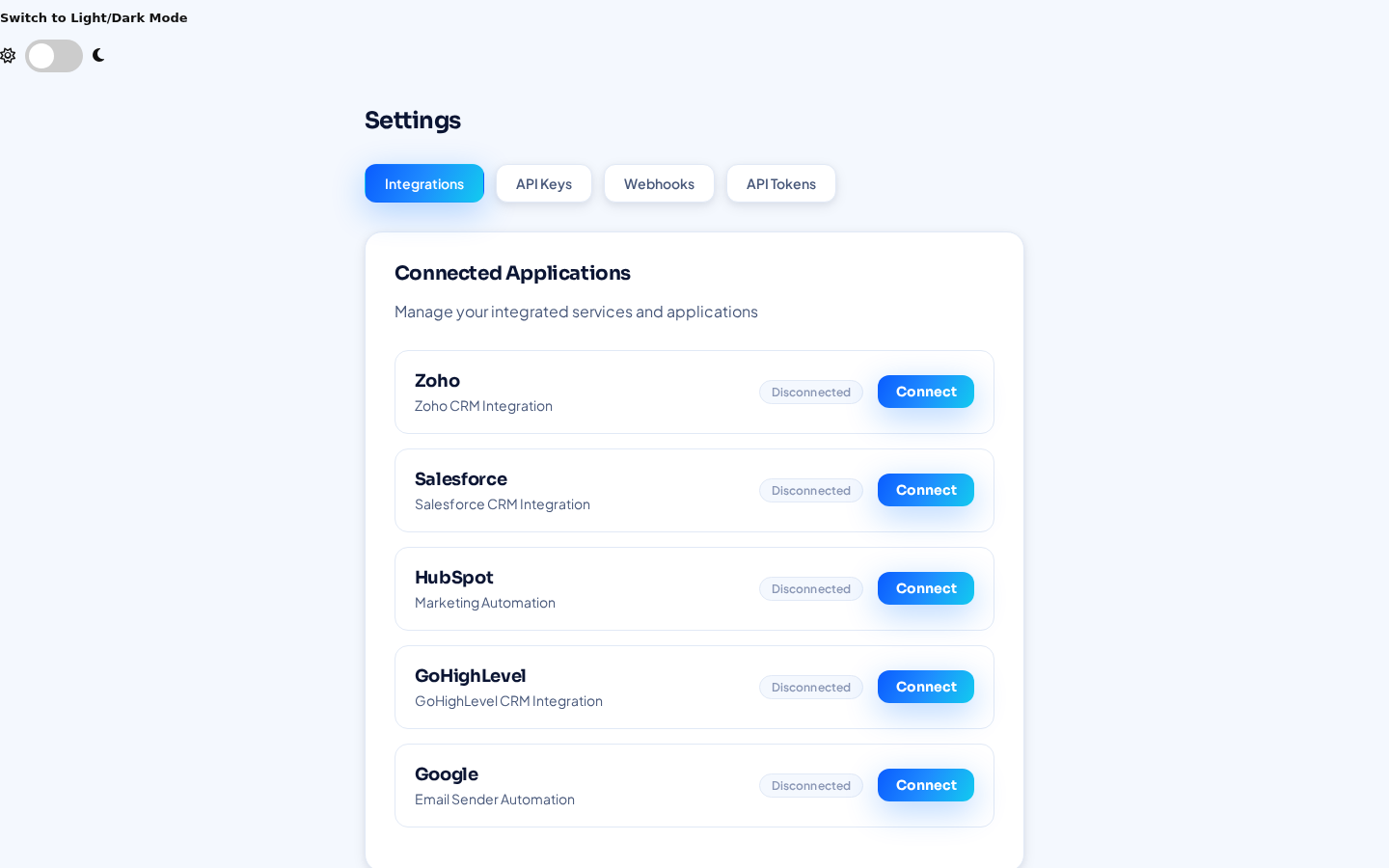
- Connect GoHighLevelIn CRMCoPilot, open Settings → Integrations, click Connect next to GoHighLevel and approve access.
- Add each client locationAgencies: connect every client location you want to deliver to. Each one becomes a destination you can pick.
- Send leadsSelect leads in your results and export them, or create an Autopilot agent with GoHighLevel as its Connected CRM.
- Set the schedule (Autopilot, paid plans)Pick days of operation, a start time and leads per day. Auto-verify is on by default. Autopilot is included in paid plans.
What to expect
Once it's running
- Contacts appear in the chosen locationReady for that location's workflows, pipelines and follow-up.
- Steady, predictable volumeAutopilot delivers the number of leads per day you set, on the days you choose.
- Less manual workNo more exporting CSVs and importing them into each sub-account.
- Reads back for Event IntelligenceThe Event Intelligence agent reads data back from GoHighLevel to work on the records already there.
What this integration doesn't do today
- Report which leads became customers or closed deals. CRMCoPilot reads CRM data back today only for the Event Intelligence agent.
- Check other connected CRMs for an existing relationship before creating a record (planned).
- Client logins to CRMCoPilot or per-client reporting.
GoHighLevel questions
Can I deliver to several GoHighLevel locations?
Yes. Connect multiple locations and choose the destination for each search or Autopilot agent.
Will it trigger my GoHighLevel workflows?
CRMCoPilot creates the contact; whatever workflows you've set up in that location to react to new contacts run as normal.
Can I use GoHighLevel alongside another CRM?
Yes. Connect GoHighLevel and any of Zoho CRM, Pipedrive, HubSpot or Salesforce at the same time, and pick the destination per search or Autopilot agent.
Send your first verified leads to GoHighLevel
Create a free account, connect GoHighLevel and run your first search.