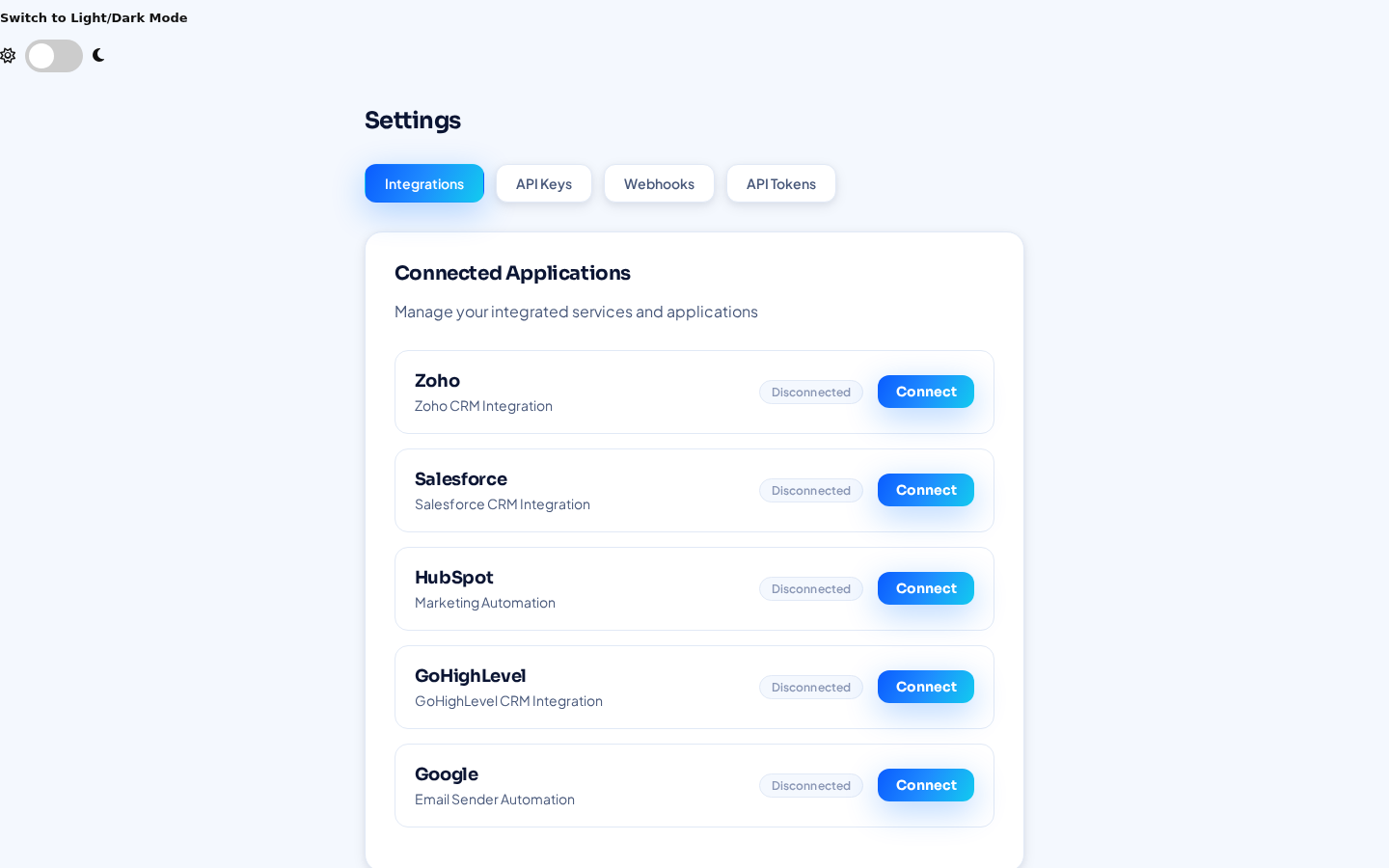
Integrations
Connect the CRMs you already use
CRMCoPilot connects natively to five CRMs. Connect one or several at once, then choose where each search or Autopilot agent sends its leads.
GoHighLevel
Send verified leads to one or many GoHighLevel locations. Built for agencies managing several clients.
How it works →Zoho CRM
Deliver verified prospects into Zoho CRM on demand or on an Autopilot schedule.
How it works →Pipedrive
Keep your Pipedrive pipeline stocked with prospects that match your ideal customer.
How it works →HubSpot
Push selected leads or scheduled Autopilot deliveries into HubSpot.
How it works →Salesforce
Send verified leads into Salesforce from search results or Autopilot.
How it works →CSV download
Download leads as CSV for any tool without a native connection.
Find once, send where it belongs
Running Salesforce for enterprise and GoHighLevel for an agency arm? Or a different CRM per client? CRMCoPilot sits above them as one prospecting layer.
Every integration is set up the same way
- Open Settings → IntegrationsIn the CRMCoPilot app.
- Click Connect next to your CRMSign in to the CRM and approve access (OAuth). No API keys to copy.
- Choose it as a destinationSelect it when exporting from results, or in an Autopilot agent's “Connected CRM” field.