
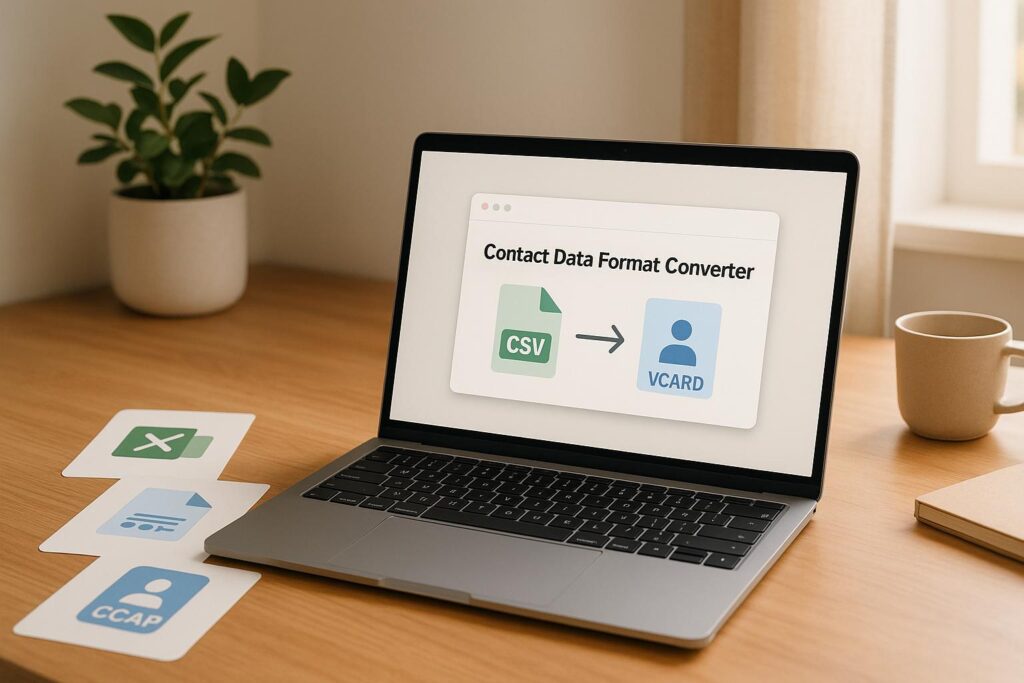
Streamline Your Workflow with a Contact Data Converter
Managing contact lists for sales and marketing can feel like wrestling with a puzzle. Whether you’re importing data into a CRM or setting up email campaigns, mismatched formats like CSV, Excel, or vCard can slow you down. That’s where a reliable tool for converting contact data comes in handy—it’s a game-changer for keeping your outreach on track.
Why Format Conversion Matters
Picture this: you’ve got a spreadsheet full of leads, but your CRM only accepts a specific file type. Manually reformatting hundreds of entries isn’t just tedious; it’s a recipe for errors. A dedicated conversion tool automates the process, mapping fields like names and emails accurately while flagging issues for quick fixes. This means less time tinkering with data and more time closing deals.
Built for Busy Teams
Sales pros and marketers juggle enough without tech hiccups. Using a solution to switch between data formats effortlessly ensures your lists are always ready for action, whether you’re syncing with software or sharing with a teammate. Next time you’re stuck with an incompatible file, remember there’s a smarter way to handle it.
FAQs
What file formats can I convert with this tool?
You can upload contact data in CSV, Excel, or plain text formats. Then, pick an output like CSV for CRM systems or vCard for email clients. If something’s off with your input, we’ll flag it so you’re not stuck guessing what went wrong. It’s all about making your workflow smoother!
How does the tool handle missing or mismatched data?
We’ve got your back! Our converter automatically maps common fields like name, email, phone, and company to the right spots in your chosen format. If anything’s missing or doesn’t match up, we’ll highlight those entries for you to review before finalizing the output. No data gets lost—just fixed.
Is there a limit to the size of the contact list I can convert?
For now, we handle most standard contact lists without a hitch, up to a few thousand entries. If you’ve got a massive file, it might take a tad longer, and we’ll let you know if there’s an issue. We’re working on expanding capacity, so stay tuned for updates!